A growing library of copy-ready prompts — 3D characters, product shots, illustration, cinematic photography, abstract backgrounds, character reference sheets, infographic posters, storyboard builders and video scenes. One click to copy, then paste into Midjourney, Gemini, ChatGPT, Seedance or whichever model you use.
51
Ready Prompts
13
Categories
1 Click
Copy & Paste
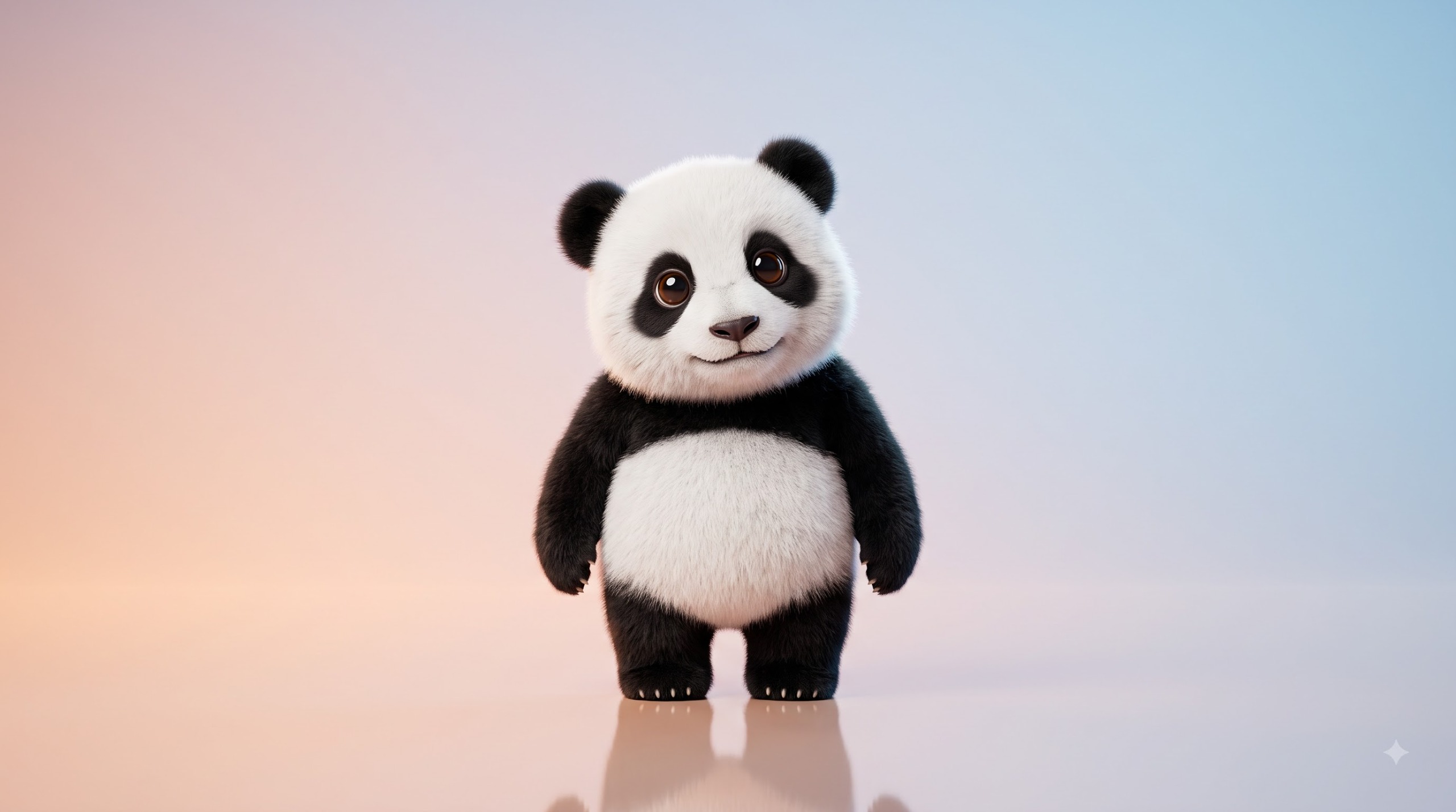
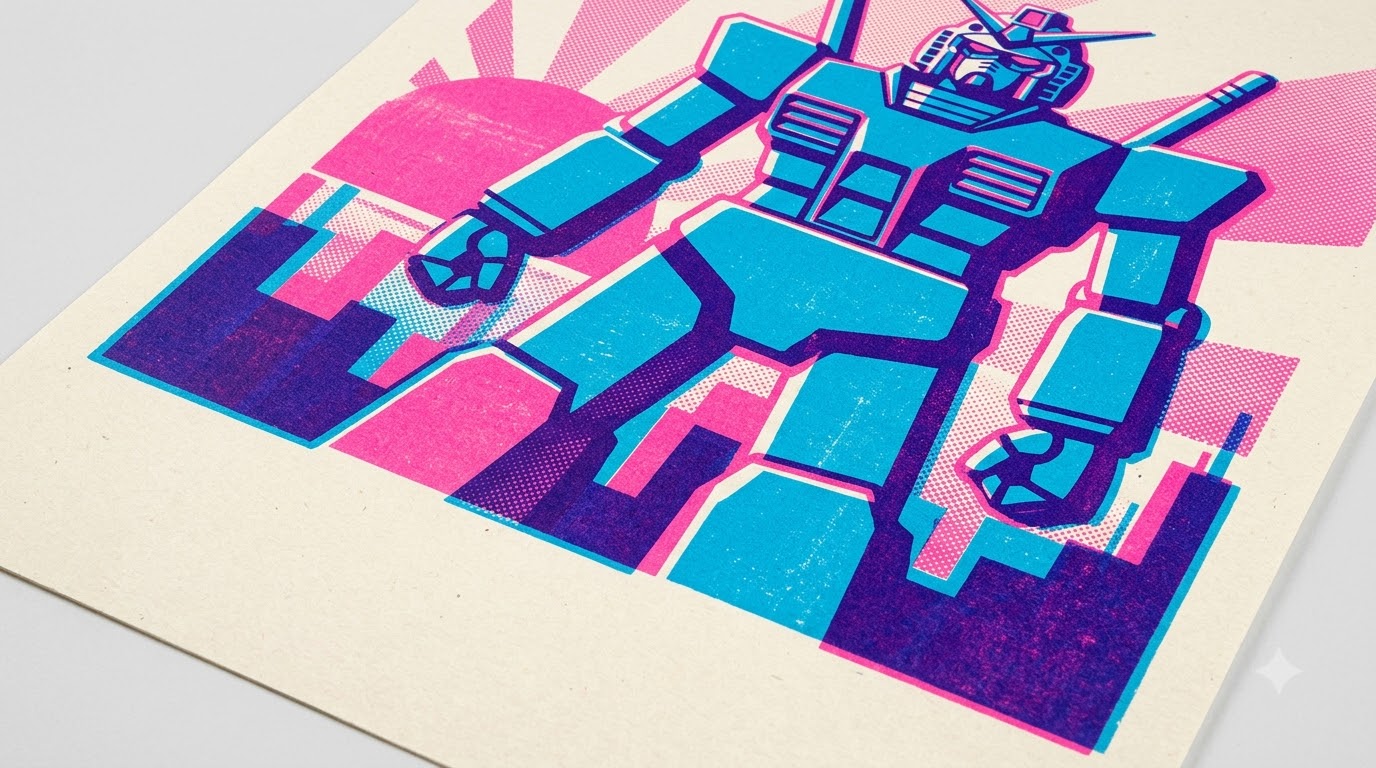
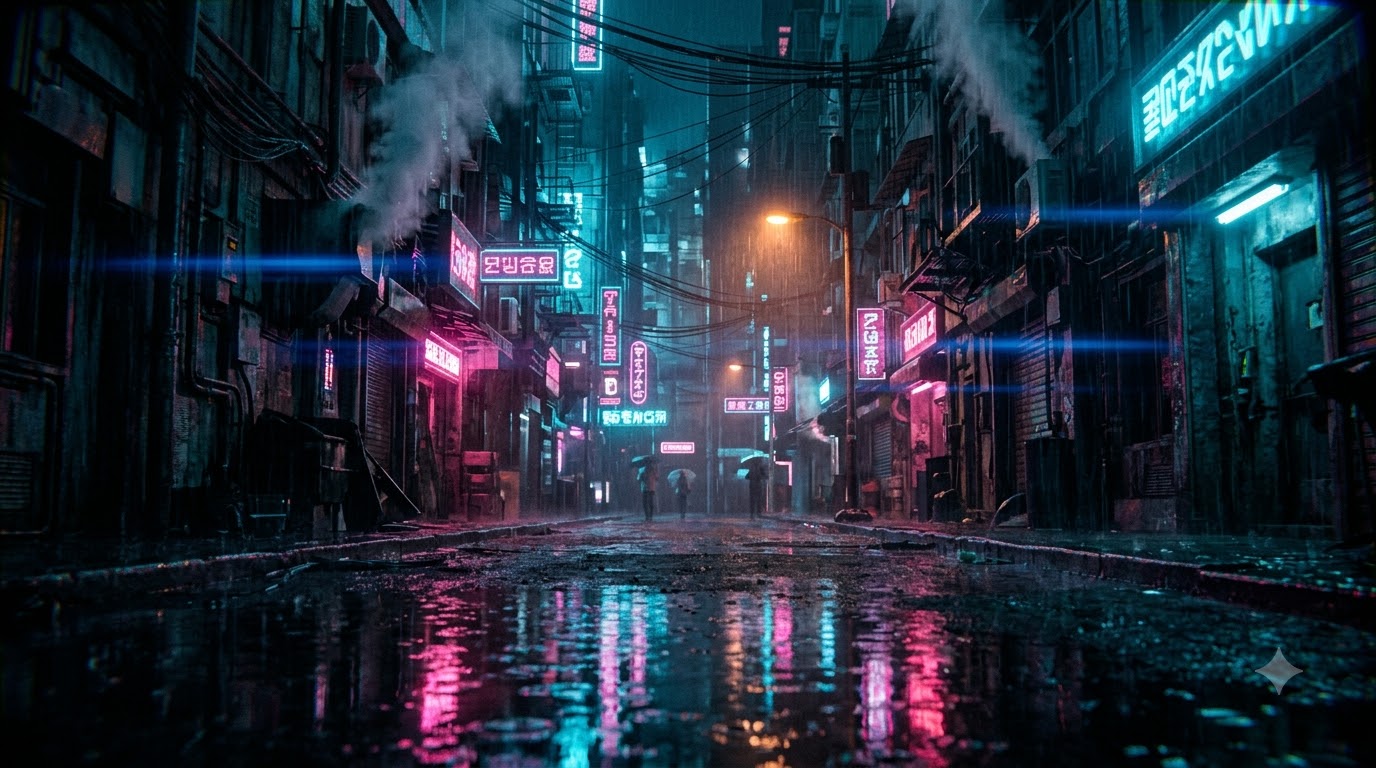
Generated with Google Flow · Nano Banana 2
The base template behind the 3D character set. Swap the bracketed placeholders for your own animal and colors and keep everything else fixed — that is what makes a whole series look like one design system. The other styles further down are standalone prompts, each written from scratch.
[ANIMAL]
fox, owl, panda…
[BODY COLOR]
warm orange fur
[EYE COLOR]
emerald green
[PRIMARY COLOR]
soft sky blue
[SECONDARY COLOR]
warm peach
Every entry is a different prompt written from scratch — image prompts, video prompts and writing prompts, each with its own subject, structure and vocabulary. Copy one as-is, or swap the details to match your project.
Cards marked Sample output show a real result generated from that exact prompt. Cards marked Palette preview show the prompt's color scheme until we add a render.
Try adjusting your search or filter criteria.
Hit the copy button on any card. The full prompt lands on your clipboard, formatting intact.
Drop it into your model and fill in any bracketed placeholders — subject, colors, product, scene.
Run three or four variations, pick the cleanest one, and take it straight into your project.
Everything you need to know before you start generating.
Yes. Every prompt on this page is completely free. Copy it, edit it, and use the generated images in personal or commercial projects.
The image prompts are written in plain descriptive English, so they work with Midjourney, Google Gemini / Nano Banana, ChatGPT image generation, Leonardo AI, Flux, Ideogram and most other text-to-image models. Video prompts target image-to-video tools such as Seedance, Runway, Kling and Veo. Writing prompts are for chat models — Claude, ChatGPT, Gemini — and are designed to be pasted as the first message in a conversation.
Use the Master Template at the top of the page. Replace the bracketed placeholders such as [ANIMAL], [BODY COLOR], [EYE COLOR], [PRIMARY COLOR] and [SECONDARY COLOR] with your own values, and keep the rest of the prompt unchanged for a consistent look across the whole set.
Every card labelled Sample output shows a real image generated from that exact prompt — no stock photography, nothing sourced from elsewhere. All of them were generated in Google Flow using Nano Banana 2, so credit for the renders goes to Google's image model. Cards labelled Palette preview show the color scheme the prompt describes; we would rather show an honest swatch than an image the prompt never produced. Video and writing prompts have no still image by nature, so they show a palette too.
Every image model interprets a prompt slightly differently, and results vary between runs. Keep the lighting, background and composition lines intact, generate three or four variations, and pick the best one.